

¿Es esta tu herramienta de IA? Reclámala hoy.
Verifica la propiedad, gestiona tu perfil y desbloquea funciones de crecimiento.
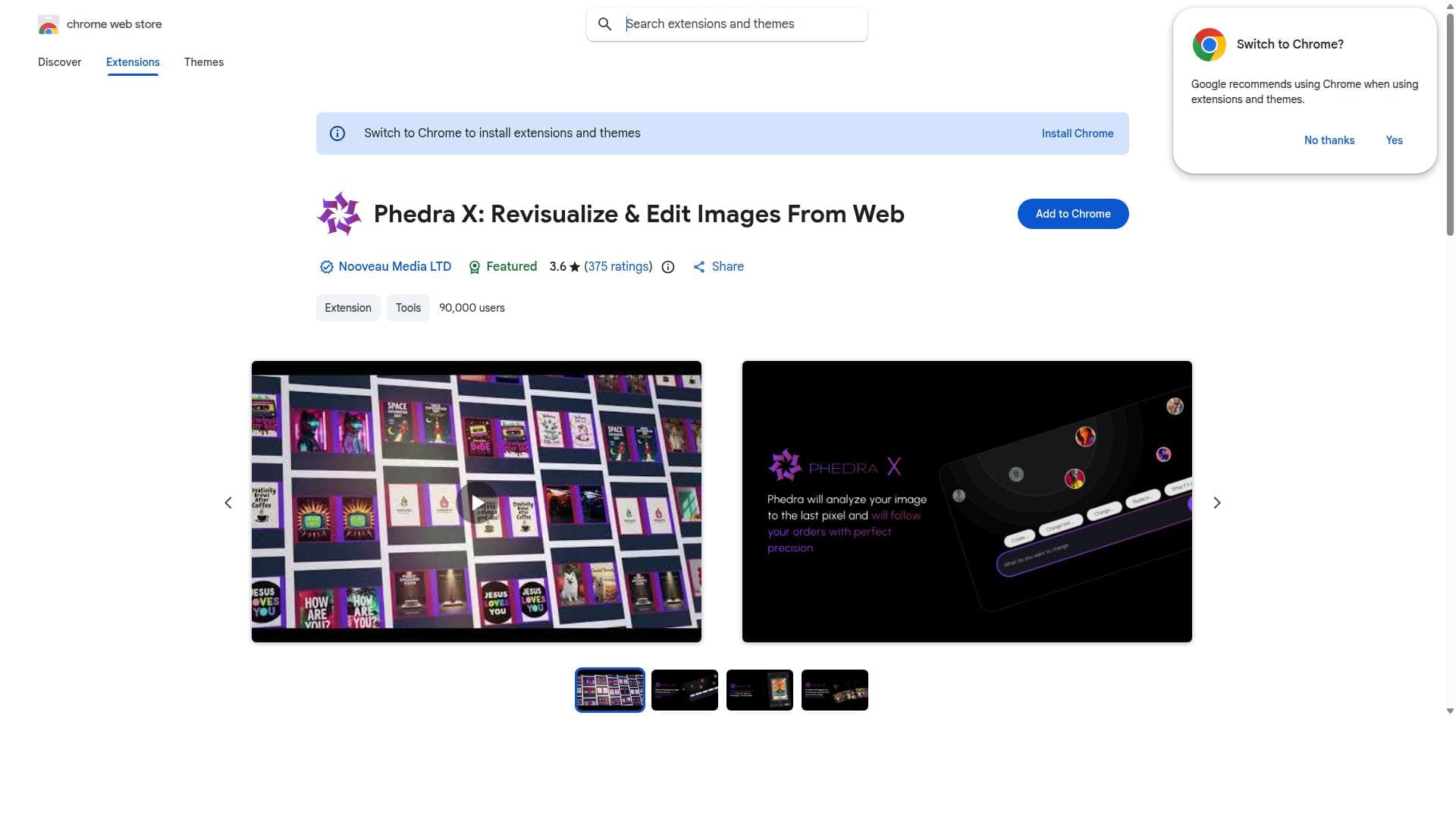
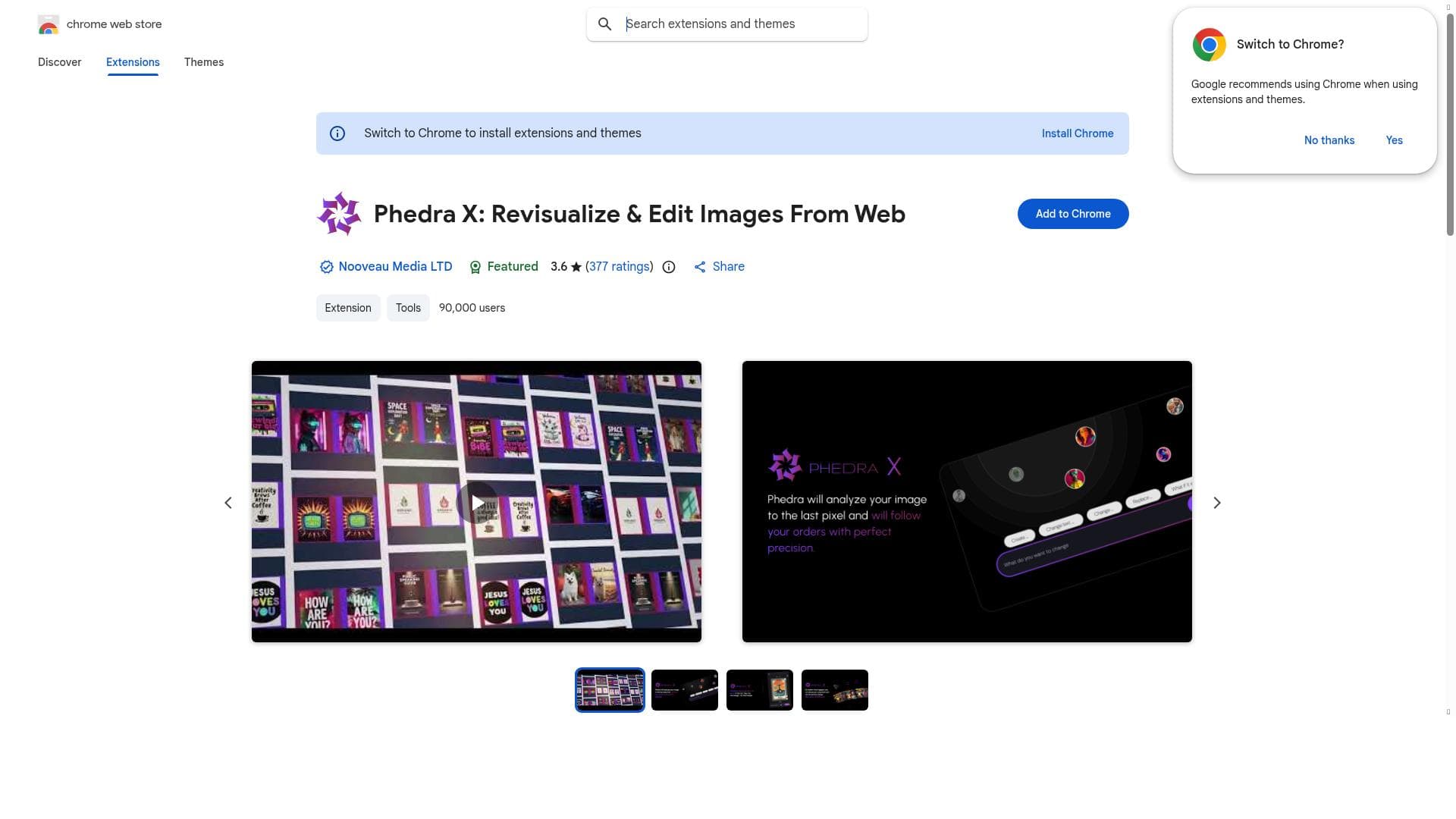
Phedra X is a Chrome extension that transforms how you interact with images online by enabling direct, smart editing and visualization right in your browser. Ideal for marketers, educators, designers, and casual users alike, it streamlines image customization without the need for external software.

Descripción
Phedra X is an AI-powered Chrome extension for instant image editing. No software needed! Enhance quality, remove objects, and change backgrounds—right in your browser. Perfect for creators, marketers, and designers who need fast, AI-driven image editing.
Descripción detallada
Phedra X is an innovative Chrome extension designed to revolutionize how users interact with images on the web. Its core purpose is to empower users to revisualize and edit any image they encounter online directly within their browser environment, eliminating the need for external software or complicated workflows. By integrating seamlessly with Chrome, Phedra X enhances the browsing experience by making image manipulation intuitive, accessible, and efficient. Whether you are a casual user wanting to tweak images for personal use or a professional needing quick edits on the fly, Phedra X offers a robust set of tools to meet diverse needs. At the heart of Phedra X’s functionality is its ability to revisualize images from any webpage. This means users can select images they find interesting or relevant and immediately bring them into an editable workspace without downloading or switching apps. The extension provides smart image editing tools that cover a broad spectrum of common adjustments such as cropping, resizing, color correction, filters, and annotations. These tools are designed to be user-friendly yet powerful, enabling both simple tweaks and more detailed customizations. The visualization features also allow users to preview changes in real-time, ensuring precise control over the final output. Phedra X’s seamless integration with Chrome ensures that it works smoothly alongside other browser activities without causing disruptions or slowing down performance. This integration also means that users can access the extension’s features with minimal clicks, directly from the context menu or toolbar, streamlining the editing process. The extension enhances online image interaction by transforming static images into dynamic, editable content, which can be particularly useful for content creators, marketers, educators, and designers who frequently work with web-based visual assets. The tool is best suited for a wide range of users including digital marketers who need to quickly customize images for campaigns, educators preparing visual materials, social media managers editing images for posts, and designers prototyping concepts without leaving the browser. Additionally, casual users who enjoy personalizing images or creating memes will find Phedra X’s intuitive interface and powerful features highly beneficial. Its ability to operate entirely within the browser makes it ideal for users who value speed, convenience, and flexibility. Regarding pricing, Phedra X is available as a free Chrome extension, making it accessible to anyone with a Chrome browser. While the current offering focuses on providing essential editing capabilities at no cost, users should check the Chrome Web Store listing or the developer’s website for any updates on premium plans or additional features that might be introduced in the future. When compared to alternatives, Phedra X stands out due to its direct browser integration and the ability to edit images in situ without requiring downloads or third-party applications. Many image editing tools require users to upload images to separate platforms or install standalone software, which can be time-consuming and less secure. Phedra X’s approach reduces friction and enhances privacy by keeping all editing within the user’s local browser session. However, it may not offer the advanced features found in dedicated professional software like Adobe Photoshop or GIMP, which are more suitable for complex image manipulation tasks. One notable limitation of Phedra X is that, as a browser extension, its capabilities are inherently tied to the Chrome ecosystem, limiting usage on other browsers. Additionally, while it covers a broad range of editing functions, users requiring highly specialized or advanced image editing might find it less comprehensive than desktop applications. Users should also consider that performance may vary depending on the complexity of the images and the device’s hardware capabilities. In summary, Phedra X is a powerful yet accessible tool that enhances how users interact with images online by providing smart, browser-based editing and visualization features. Its ease of use, seamless Chrome integration, and no-cost availability make it an excellent choice for users seeking quick and effective image editing solutions directly within their web browsing experience.
Características de la herramienta
- Revisualize any image from the web
- Edit images directly in the browser
- Smart image editing tools
- Seamless integration with Chrome
- Enhances online image interaction
Descripción
Phedra X is a Chrome extension that transforms how you interact with images online by enabling direct, smart editing and visualization right in your browser. Ideal for marketers, educators, designers, and casual users alike, it streamlines image customization without the need for external software.
Phedra X is an AI-powered Chrome extension for instant image editing. No software needed! Enhance quality, remove objects, and change backgrounds—right in your browser. Perfect for creators, marketers, and designers who need fast, AI-driven image editing.
Descripción detallada
Phedra X is an innovative Chrome extension designed to revolutionize how users interact with images on the web. Its core purpose is to empower users to revisualize and edit any image they encounter online directly within their browser environment, eliminating the need for external software or complicated workflows. By integrating seamlessly with Chrome, Phedra X enhances the browsing experience by making image manipulation intuitive, accessible, and efficient. Whether you are a casual user wanting to tweak images for personal use or a professional needing quick edits on the fly, Phedra X offers a robust set of tools to meet diverse needs. At the heart of Phedra X’s functionality is its ability to revisualize images from any webpage. This means users can select images they find interesting or relevant and immediately bring them into an editable workspace without downloading or switching apps. The extension provides smart image editing tools that cover a broad spectrum of common adjustments such as cropping, resizing, color correction, filters, and annotations. These tools are designed to be user-friendly yet powerful, enabling both simple tweaks and more detailed customizations. The visualization features also allow users to preview changes in real-time, ensuring precise control over the final output. Phedra X’s seamless integration with Chrome ensures that it works smoothly alongside other browser activities without causing disruptions or slowing down performance. This integration also means that users can access the extension’s features with minimal clicks, directly from the context menu or toolbar, streamlining the editing process. The extension enhances online image interaction by transforming static images into dynamic, editable content, which can be particularly useful for content creators, marketers, educators, and designers who frequently work with web-based visual assets. The tool is best suited for a wide range of users including digital marketers who need to quickly customize images for campaigns, educators preparing visual materials, social media managers editing images for posts, and designers prototyping concepts without leaving the browser. Additionally, casual users who enjoy personalizing images or creating memes will find Phedra X’s intuitive interface and powerful features highly beneficial. Its ability to operate entirely within the browser makes it ideal for users who value speed, convenience, and flexibility. Regarding pricing, Phedra X is available as a free Chrome extension, making it accessible to anyone with a Chrome browser. While the current offering focuses on providing essential editing capabilities at no cost, users should check the Chrome Web Store listing or the developer’s website for any updates on premium plans or additional features that might be introduced in the future. When compared to alternatives, Phedra X stands out due to its direct browser integration and the ability to edit images in situ without requiring downloads or third-party applications. Many image editing tools require users to upload images to separate platforms or install standalone software, which can be time-consuming and less secure. Phedra X’s approach reduces friction and enhances privacy by keeping all editing within the user’s local browser session. However, it may not offer the advanced features found in dedicated professional software like Adobe Photoshop or GIMP, which are more suitable for complex image manipulation tasks. One notable limitation of Phedra X is that, as a browser extension, its capabilities are inherently tied to the Chrome ecosystem, limiting usage on other browsers. Additionally, while it covers a broad range of editing functions, users requiring highly specialized or advanced image editing might find it less comprehensive than desktop applications. Users should also consider that performance may vary depending on the complexity of the images and the device’s hardware capabilities. In summary, Phedra X is a powerful yet accessible tool that enhances how users interact with images online by providing smart, browser-based editing and visualization features. Its ease of use, seamless Chrome integration, and no-cost availability make it an excellent choice for users seeking quick and effective image editing solutions directly within their web browsing experience.
Preguntas frecuentes
What is Phedra X?
Phedra X is a Chrome extension that allows users to revisualize and edit any image they see online directly from their browser, providing smart editing tools and enhanced visualization features.
How much does Phedra X cost?
Phedra X is currently available as a free Chrome extension, offering essential image editing features at no cost.
Who is Phedra X best for?
Phedra X is ideal for digital marketers, educators, social media managers, designers, and casual users who want to quickly and easily edit images directly within their browser.
What are the main features of Phedra X?
Key features include the ability to revisualize any web image, edit images directly in the browser, smart editing tools such as cropping, resizing, color correction, filters, annotations, and seamless integration with Chrome.
Does Phedra X offer a free trial?
Since Phedra X is a free Chrome extension, there is no need for a trial period; users can install and use it immediately without cost.
What integrations does Phedra X support?
Phedra X integrates seamlessly with the Chrome browser, allowing users to access its features directly from the browser interface without requiring additional software.
How does Phedra X work?
Phedra X works by enabling users to select any image on the web and open it in an editable workspace within the Chrome browser, where they can apply various smart editing tools and visualize changes in real-time.
Redes sociales
Usar herramientaReseñas
Aún no hay reseñas. Sé el primero en compartir tu experiencia.




















































