🚀 Zaprep: Tus redes sociales al máximo. Empezar gratis — automatiza 1,000 DMs/mes y convierte el engagement en leads. con 1,000 DMs automatizados/mes.


¿Es esta tu herramienta de IA? Reclámala hoy.
Verifica la propiedad, gestiona tu perfil y desbloquea funciones de crecimiento.
IDE Extensions enhance integrated development environments by adding powerful features like advanced code assistance, debugging tools, and customization options, all seamlessly integrated to boost developer productivity. Ideal for developers seeking to optimize their coding workflows, these extensions transform standard IDEs into highly efficient, tailored development hubs.

Descripción
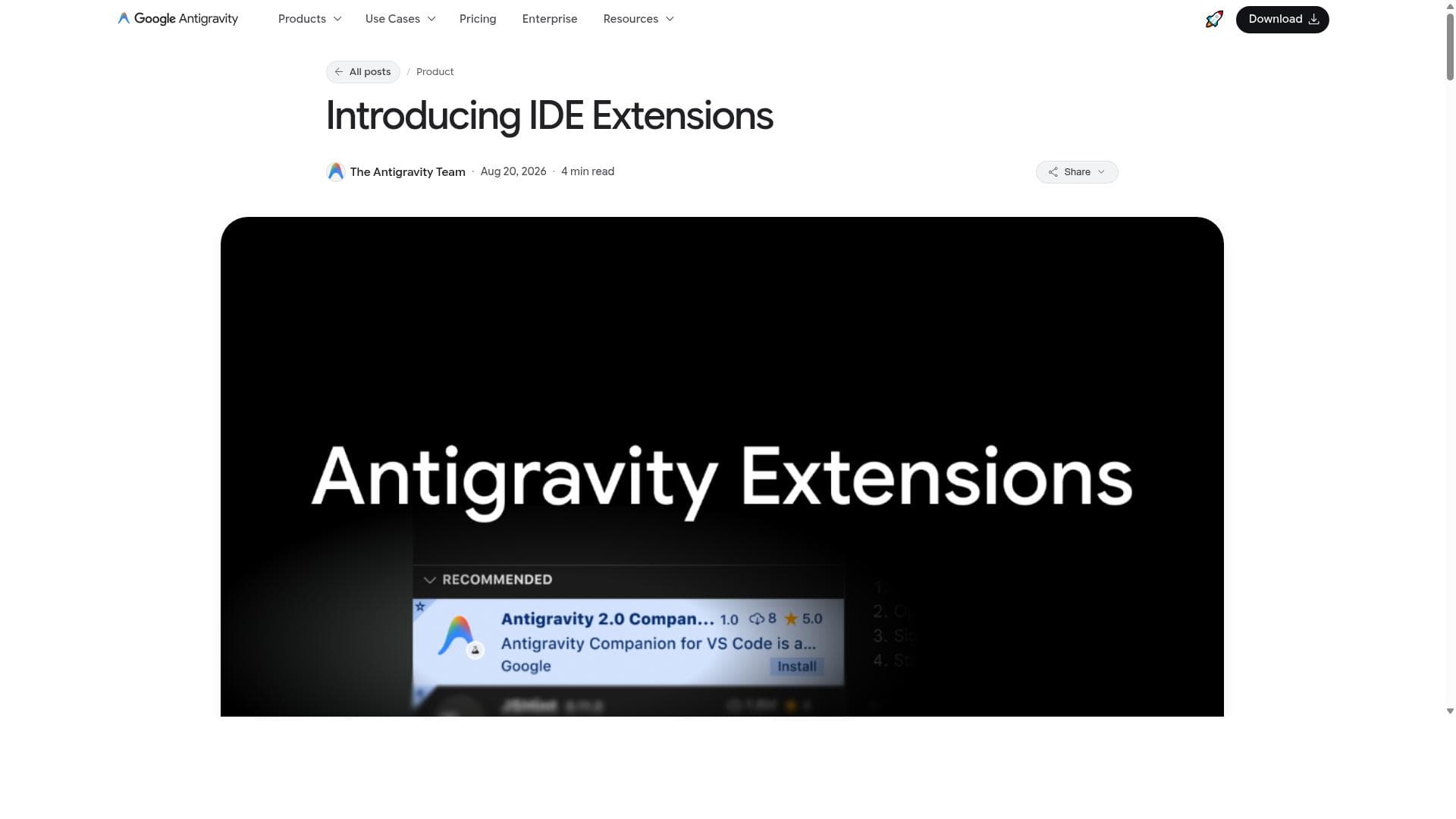
Antigravity IDE Extensions bring Google’s agentic coding platform into VS Code, Visual Studio, JetBrains, and Zed. Keep your agent conversations and shared context while reviewing inline diffs, inspecting plans, debugging code, and handing off multi-step tasks without leaving your editor.
Descripción detallada
IDE Extensions are specialized tools designed to significantly enhance integrated development environments (IDEs) by adding new features and capabilities that streamline the software development process. Their core purpose is to improve developer productivity and workflow by integrating seamlessly with existing IDEs, providing a richer, more efficient coding experience. These extensions act as powerful add-ons that extend the functionality of popular IDEs, enabling developers to write, debug, and customize their code more effectively without switching contexts or tools. Key features of IDE Extensions include advanced code assistance, which offers intelligent code completion, syntax highlighting, and real-time error detection to help developers write cleaner and more accurate code faster. Debugging tools integrated within these extensions allow for easier identification and resolution of issues, including breakpoints, step-through execution, and variable inspection, all within the IDE interface. Additionally, customization options enable developers to tailor their IDE environment to their specific preferences and project requirements, such as configuring themes, keybindings, and tool integrations. The seamless integration ensures that these extensions work harmoniously with existing IDE setups, minimizing disruption and maximizing efficiency. IDE Extensions are best suited for software developers, engineers, and programmers who rely heavily on IDEs for their daily coding tasks. They are particularly valuable for those working on complex projects requiring robust debugging and code management tools, as well as teams looking to standardize development workflows through shared extension configurations. Use cases include enhancing productivity in languages like Java, Python, JavaScript, and C++, improving collaboration through shared debugging tools, and customizing IDEs to support unique project needs or coding styles. Regarding pricing and plans, IDE Extensions often follow a freemium or open-source model, where basic features are available for free, and advanced capabilities or premium support come at a cost. Since these extensions integrate with various IDEs, pricing may also depend on the IDE vendor’s policies or marketplace fees. Users are encouraged to visit the official website or IDE marketplaces for the most current pricing details. Compared to alternatives, IDE Extensions stand out by offering deep integration within popular IDEs, providing a more seamless and native experience than standalone tools or external plugins. While some competitors may offer similar functionalities, IDE Extensions from established providers like Google Antigravity benefit from robust support, continuous updates, and a strong developer community. This ensures better compatibility, security, and feature innovation over time. Notable limitations include potential compatibility issues with less common or highly customized IDE setups, which may require additional configuration. Performance overhead is another consideration; some extensions can consume significant system resources, potentially slowing down the IDE. Users should evaluate the necessity of each extension and monitor their IDE’s performance. Furthermore, as extensions add complexity, they may introduce new bugs or conflicts, necessitating careful management and updates. Overall, IDE Extensions represent a powerful way to augment development environments, offering tailored tools that enhance coding efficiency, debugging capabilities, and customization. They are indispensable for developers seeking to optimize their workflows and leverage the full potential of their IDEs.
Características de la herramienta
- Enhances integrated development environments with additional features
- Improves developer productivity and workflow
- Provides code assistance and debugging tools
- Offers customization options for IDEs
- Seamless integration with existing IDEs
Descripción
IDE Extensions enhance integrated development environments by adding powerful features like advanced code assistance, debugging tools, and customization options, all seamlessly integrated to boost developer productivity. Ideal for developers seeking to optimize their coding workflows, these extensions transform standard IDEs into highly efficient, tailored development hubs.
Antigravity IDE Extensions bring Google’s agentic coding platform into VS Code, Visual Studio, JetBrains, and Zed. Keep your agent conversations and shared context while reviewing inline diffs, inspecting plans, debugging code, and handing off multi-step tasks without leaving your editor.
Descripción detallada
IDE Extensions are specialized tools designed to significantly enhance integrated development environments (IDEs) by adding new features and capabilities that streamline the software development process. Their core purpose is to improve developer productivity and workflow by integrating seamlessly with existing IDEs, providing a richer, more efficient coding experience. These extensions act as powerful add-ons that extend the functionality of popular IDEs, enabling developers to write, debug, and customize their code more effectively without switching contexts or tools. Key features of IDE Extensions include advanced code assistance, which offers intelligent code completion, syntax highlighting, and real-time error detection to help developers write cleaner and more accurate code faster. Debugging tools integrated within these extensions allow for easier identification and resolution of issues, including breakpoints, step-through execution, and variable inspection, all within the IDE interface. Additionally, customization options enable developers to tailor their IDE environment to their specific preferences and project requirements, such as configuring themes, keybindings, and tool integrations. The seamless integration ensures that these extensions work harmoniously with existing IDE setups, minimizing disruption and maximizing efficiency. IDE Extensions are best suited for software developers, engineers, and programmers who rely heavily on IDEs for their daily coding tasks. They are particularly valuable for those working on complex projects requiring robust debugging and code management tools, as well as teams looking to standardize development workflows through shared extension configurations. Use cases include enhancing productivity in languages like Java, Python, JavaScript, and C++, improving collaboration through shared debugging tools, and customizing IDEs to support unique project needs or coding styles. Regarding pricing and plans, IDE Extensions often follow a freemium or open-source model, where basic features are available for free, and advanced capabilities or premium support come at a cost. Since these extensions integrate with various IDEs, pricing may also depend on the IDE vendor’s policies or marketplace fees. Users are encouraged to visit the official website or IDE marketplaces for the most current pricing details. Compared to alternatives, IDE Extensions stand out by offering deep integration within popular IDEs, providing a more seamless and native experience than standalone tools or external plugins. While some competitors may offer similar functionalities, IDE Extensions from established providers like Google Antigravity benefit from robust support, continuous updates, and a strong developer community. This ensures better compatibility, security, and feature innovation over time. Notable limitations include potential compatibility issues with less common or highly customized IDE setups, which may require additional configuration. Performance overhead is another consideration; some extensions can consume significant system resources, potentially slowing down the IDE. Users should evaluate the necessity of each extension and monitor their IDE’s performance. Furthermore, as extensions add complexity, they may introduce new bugs or conflicts, necessitating careful management and updates. Overall, IDE Extensions represent a powerful way to augment development environments, offering tailored tools that enhance coding efficiency, debugging capabilities, and customization. They are indispensable for developers seeking to optimize their workflows and leverage the full potential of their IDEs.
Preguntas frecuentes
What is IDE Extensions?
IDE Extensions are tools that add new features and capabilities to integrated development environments (IDEs), enhancing developer productivity by providing functionalities such as code assistance, debugging, and customization.
How much does IDE Extensions cost?
Pricing for IDE Extensions varies depending on the specific extension and IDE marketplace. Many offer free basic versions with optional premium features available for purchase. It's best to check the official website or IDE marketplace for detailed pricing.
Who is IDE Extensions best for?
IDE Extensions are best suited for software developers, programmers, and engineers who use IDEs regularly and want to improve their coding efficiency, debugging capabilities, and workflow customization.
What are the main features of IDE Extensions?
Main features include enhanced code assistance with intelligent completion and error detection, integrated debugging tools, customization options for the IDE interface and behavior, and seamless integration with existing development environments.
Does IDE Extensions offer a free trial?
Many IDE Extensions offer free versions or trial periods to allow users to evaluate their features before committing to premium plans. Availability depends on the specific extension and provider.
What integrations does IDE Extensions support?
IDE Extensions integrate seamlessly with popular IDEs such as Visual Studio Code, IntelliJ IDEA, Eclipse, and others, depending on the extension’s compatibility and target environment.
How does IDE Extensions work?
IDE Extensions work by integrating directly into an IDE’s architecture, adding new functionalities like code assistance and debugging tools that operate within the IDE interface to enhance the developer’s workflow without disrupting their existing setup.
Redes sociales
Usar herramientaReseñas
Aún no hay reseñas. Sé el primero en compartir tu experiencia.
Herramientas patrocinadas











































Herramientas recomendadas
Mantente al día con las últimas herramientas de IA
Obtén las últimas novedades, únete a nuestro boletín
Leído y confiado por 50,000+ lectores
Únete a la comunidad de IA más grande
¡Nuestra comunidad y equipo están aquí para ayudarte!
Tus comentarios ayudarán a Alice AI a mejorar en futuras versiones.








Enviar tu herramienta


PoweredByAI.app es un directorio de herramientas de IA que ayuda a personas, empresas y creadores a descubrir las mejores herramientas de IA para escritura, programación, diseño, productividad y más.
© 2026 , Producto de011BQ. Todos los derechos reservados.