Destacado en:Best AI Writing Tools
Destácate →🚀 Zaprep: Tus redes sociales al máximo. Empezar gratis — automatiza 1,000 DMs/mes y convierte el engagement en leads. con 1,000 DMs automatizados/mes.
Enviar tu herramienta
25,000+ herramientas de IA ya listadas
25K+Herramientas
400K+/moVistas
105K+/moVisitantes


✦
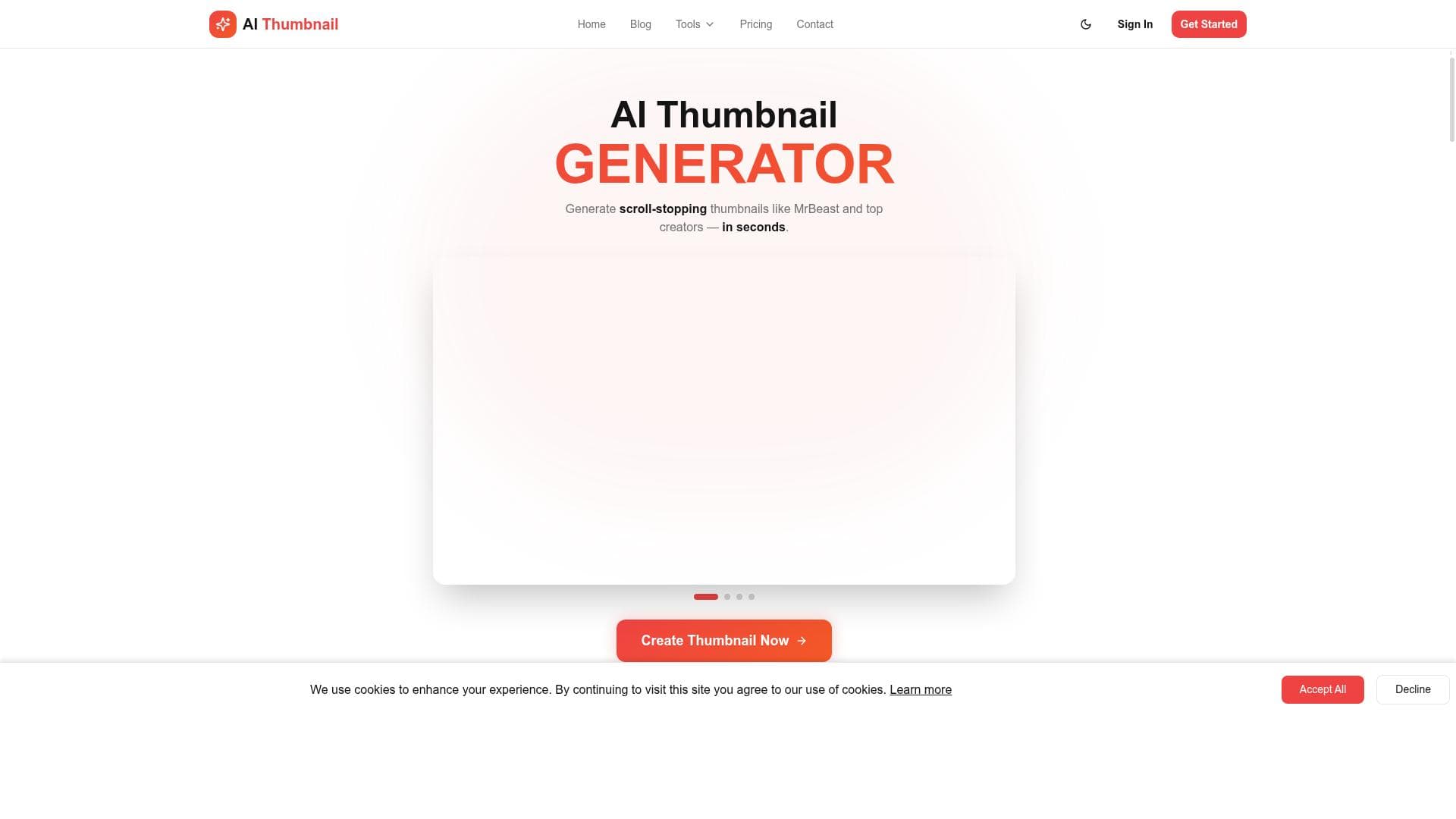
AI Thumbnail leverages AI to analyze and replicate the proven design logic behind high-performing YouTube thumbnails, helping creators boost click-through rates without needing design skills. Perfect for YouTubers who want consistent, clickable thumbnails that feel native to the platform, it generates personalized, high-contrast images quickly and easily.

Descripción
Most YouTube thumbnails fail for one simple reason. They do not look like something people actually click on. Great thumbnails follow patterns. The layout, the crop, the text size, the contrast, the way the eye moves in the first second. Designers know this. Big channels know this. Most creators do not. This tool bridges that gap. You upload a YouTube thumbnail you like. A competitor, an inspiration, or a high-performing video. The system analyzes what makes it work and recreates the same structure and visual logic using your own content. You keep your own headline. Your own subtexts. Your own face if you want to appear in the thumbnail. Nothing is copied directly. No branding. No faces. No text from the original image. Unlike typical AI thumbnail generators, this one is built for consistency and CTR, not random creativity. Your face stays your face. Your text stays exactly as you wrote it. The result looks like it belongs on YouTube, not in a stock image library. The flow is simple: 1. Upload a thumbnail you like 2. Write your headline and optional subtexts 3. Optionally add your photo and small adjustments 4. Generate a clean, high-contrast thumbnail that fits the platform This is especially useful if you: * Want higher click-through rates * Do not want to learn design * Test thumbnails often * Care about consistency across videos * Want proven styles without copying creators Think of it as cloning the logic behind great thumbnails, not the thumbnail itself. If it looks familiar in the feed, that is the point.
Descripción detallada
AI Thumbnail is a specialized AI-powered tool designed to help YouTube creators produce high-performing thumbnails that significantly boost click-through rates (CTR). Unlike generic thumbnail generators that focus on random creativity or stock imagery, AI Thumbnail emphasizes replicating the visual logic and structural patterns found in successful thumbnails. Its core purpose is to bridge the gap between professional design knowledge and everyday creators who may lack the skills or time to craft thumbnails that truly attract viewers. By analyzing a thumbnail you upload—whether it’s from a competitor, an inspiration, or a top-performing video—the system identifies the key elements that make that thumbnail effective, such as layout, cropping, text size, contrast, and visual flow. It then recreates a new thumbnail using your own content, including your headline, subtexts, and optionally your face, ensuring that the final image looks native to YouTube and optimized for viewer engagement without copying any branding, faces, or text from the original image. Key features of AI Thumbnail include the ability to generate viral YouTube thumbnails in seconds, add your own face to thumbnails for personalization, and customize colors and text to align with your brand identity. Each generation produces two unique designs, giving creators options to test and select the best-performing thumbnail. The tool’s focus on consistency and CTR rather than random design experiments makes it particularly valuable for creators who want to maintain a cohesive channel aesthetic while maximizing viewer clicks. The workflow is straightforward: upload a thumbnail you admire, input your headline and optional subtexts, add your photo if desired, and then generate a clean, high-contrast thumbnail tailored to YouTube’s platform specifications. AI Thumbnail is best suited for YouTube creators who want to improve their video performance without investing time in learning graphic design. It’s ideal for those who frequently test different thumbnails to optimize CTR, creators who prioritize consistency across their video library, and anyone looking to leverage proven visual styles without directly copying others. This tool is especially beneficial for small to medium-sized channels aiming to grow their audience by improving first impressions through thumbnails. The pricing model for AI Thumbnail is freemium, allowing users to access basic features for free with the option to upgrade for enhanced capabilities. This approach makes it accessible to creators at various stages, from beginners experimenting with thumbnail design to more established YouTubers seeking professional results without hiring a designer. Compared to alternative AI thumbnail generators, AI Thumbnail stands out by focusing on replicating the structural logic behind successful thumbnails rather than generating random or purely creative designs. This results in thumbnails that feel familiar and clickable within YouTube feeds, rather than generic or stock-like images. However, users should note that the tool requires an initial example thumbnail to analyze, which means creators need to have some reference material to start with. Additionally, while it offers customization, the scope is centered on maintaining proven design patterns rather than fully custom or artistic freedom. In summary, AI Thumbnail is a powerful, user-friendly tool that helps YouTube creators produce thumbnails optimized for higher engagement by cloning the design principles of top-performing images. Its unique approach to combining AI analysis with user content ensures thumbnails that are both personalized and proven to attract clicks, making it an essential asset for creators serious about growing their channel through better visual marketing.
Características de la herramienta
- Create viral YouTube thumbnails with AI in seconds
- Add your face to thumbnails
- Customize with brand colors and text
- Generate 2 unique designs per generation
- Boost click-through rate (CTR)
Descripción
✦
AI Thumbnail leverages AI to analyze and replicate the proven design logic behind high-performing YouTube thumbnails, helping creators boost click-through rates without needing design skills. Perfect for YouTubers who want consistent, clickable thumbnails that feel native to the platform, it generates personalized, high-contrast images quickly and easily.
Most YouTube thumbnails fail for one simple reason. They do not look like something people actually click on. Great thumbnails follow patterns. The layout, the crop, the text size, the contrast, the way the eye moves in the first second. Designers know this. Big channels know this. Most creators do not. This tool bridges that gap. You upload a YouTube thumbnail you like. A competitor, an inspiration, or a high-performing video. The system analyzes what makes it work and recreates the same structure and visual logic using your own content. You keep your own headline. Your own subtexts. Your own face if you want to appear in the thumbnail. Nothing is copied directly. No branding. No faces. No text from the original image. Unlike typical AI thumbnail generators, this one is built for consistency and CTR, not random creativity. Your face stays your face. Your text stays exactly as you wrote it. The result looks like it belongs on YouTube, not in a stock image library. The flow is simple: 1. Upload a thumbnail you like 2. Write your headline and optional subtexts 3. Optionally add your photo and small adjustments 4. Generate a clean, high-contrast thumbnail that fits the platform This is especially useful if you: * Want higher click-through rates * Do not want to learn design * Test thumbnails often * Care about consistency across videos * Want proven styles without copying creators Think of it as cloning the logic behind great thumbnails, not the thumbnail itself. If it looks familiar in the feed, that is the point.
Descripción detallada
AI Thumbnail is a specialized AI-powered tool designed to help YouTube creators produce high-performing thumbnails that significantly boost click-through rates (CTR). Unlike generic thumbnail generators that focus on random creativity or stock imagery, AI Thumbnail emphasizes replicating the visual logic and structural patterns found in successful thumbnails. Its core purpose is to bridge the gap between professional design knowledge and everyday creators who may lack the skills or time to craft thumbnails that truly attract viewers. By analyzing a thumbnail you upload—whether it’s from a competitor, an inspiration, or a top-performing video—the system identifies the key elements that make that thumbnail effective, such as layout, cropping, text size, contrast, and visual flow. It then recreates a new thumbnail using your own content, including your headline, subtexts, and optionally your face, ensuring that the final image looks native to YouTube and optimized for viewer engagement without copying any branding, faces, or text from the original image. Key features of AI Thumbnail include the ability to generate viral YouTube thumbnails in seconds, add your own face to thumbnails for personalization, and customize colors and text to align with your brand identity. Each generation produces two unique designs, giving creators options to test and select the best-performing thumbnail. The tool’s focus on consistency and CTR rather than random design experiments makes it particularly valuable for creators who want to maintain a cohesive channel aesthetic while maximizing viewer clicks. The workflow is straightforward: upload a thumbnail you admire, input your headline and optional subtexts, add your photo if desired, and then generate a clean, high-contrast thumbnail tailored to YouTube’s platform specifications. AI Thumbnail is best suited for YouTube creators who want to improve their video performance without investing time in learning graphic design. It’s ideal for those who frequently test different thumbnails to optimize CTR, creators who prioritize consistency across their video library, and anyone looking to leverage proven visual styles without directly copying others. This tool is especially beneficial for small to medium-sized channels aiming to grow their audience by improving first impressions through thumbnails. The pricing model for AI Thumbnail is freemium, allowing users to access basic features for free with the option to upgrade for enhanced capabilities. This approach makes it accessible to creators at various stages, from beginners experimenting with thumbnail design to more established YouTubers seeking professional results without hiring a designer. Compared to alternative AI thumbnail generators, AI Thumbnail stands out by focusing on replicating the structural logic behind successful thumbnails rather than generating random or purely creative designs. This results in thumbnails that feel familiar and clickable within YouTube feeds, rather than generic or stock-like images. However, users should note that the tool requires an initial example thumbnail to analyze, which means creators need to have some reference material to start with. Additionally, while it offers customization, the scope is centered on maintaining proven design patterns rather than fully custom or artistic freedom. In summary, AI Thumbnail is a powerful, user-friendly tool that helps YouTube creators produce thumbnails optimized for higher engagement by cloning the design principles of top-performing images. Its unique approach to combining AI analysis with user content ensures thumbnails that are both personalized and proven to attract clicks, making it an essential asset for creators serious about growing their channel through better visual marketing.
Preguntas frecuentes
What is AI Thumbnail?
AI Thumbnail is an AI-powered tool that helps YouTube creators generate high-performing thumbnails by analyzing successful examples and recreating their visual structure using the user’s own content, such as headlines and photos.
How much does AI Thumbnail cost?
AI Thumbnail operates on a freemium model, offering basic features for free with options to upgrade for additional capabilities and more advanced customization.
Who is AI Thumbnail best for?
It is best suited for YouTube creators who want to improve click-through rates without learning graphic design, those who frequently test thumbnails, and creators who value consistency and proven design styles.
What are the main features of AI Thumbnail?
Key features include creating viral YouTube thumbnails in seconds, adding your face to thumbnails, customizing brand colors and text, generating two unique designs per generation, and boosting click-through rates.
Does AI Thumbnail offer a free trial?
Yes, AI Thumbnail offers a freemium plan that allows users to try basic features for free before deciding to upgrade.
What integrations does AI Thumbnail support?
AI Thumbnail primarily functions as a standalone web-based tool and does not currently list specific third-party integrations.
How does AI Thumbnail work?
Users upload a thumbnail they like, input their own headline and optional subtexts, optionally add their photo, and the AI analyzes the original’s design logic to generate new thumbnails that maintain the same effective structure using the user’s content.
Reseñas
0 reseñas
Aún no hay reseñas. Sé el primero en compartir tu experiencia.
Herramientas patrocinadas











































Herramientas recomendadas
Mantente al día con las últimas herramientas de IA
Obtén las últimas novedades, únete a nuestro boletín
Leído y confiado por 50,000+ lectores
Únete a la comunidad de IA más grande
¡Nuestra comunidad y equipo están aquí para ayudarte!
Tus comentarios ayudarán a Alice AI a mejorar en futuras versiones.








Enviar tu herramienta


PoweredByAI.app es un directorio de herramientas de IA que ayuda a personas, empresas y creadores a descubrir las mejores herramientas de IA para escritura, programación, diseño, productividad y más.
© 2026 , Producto de011BQ. Todos los derechos reservados.