🚀 Zaprep: Tus redes sociales al máximo. Empezar gratis — automatiza 1,000 DMs/mes y convierte el engagement en leads. con 1,000 DMs automatizados/mes.
BlogAI Video Tools for Recreating Cinematic Styles: What Actually Works?
AI Video Tools for Recreating Cinematic Styles: What Actually Works?
 Shashank Jain
25 ago 2026
6 min de lectura
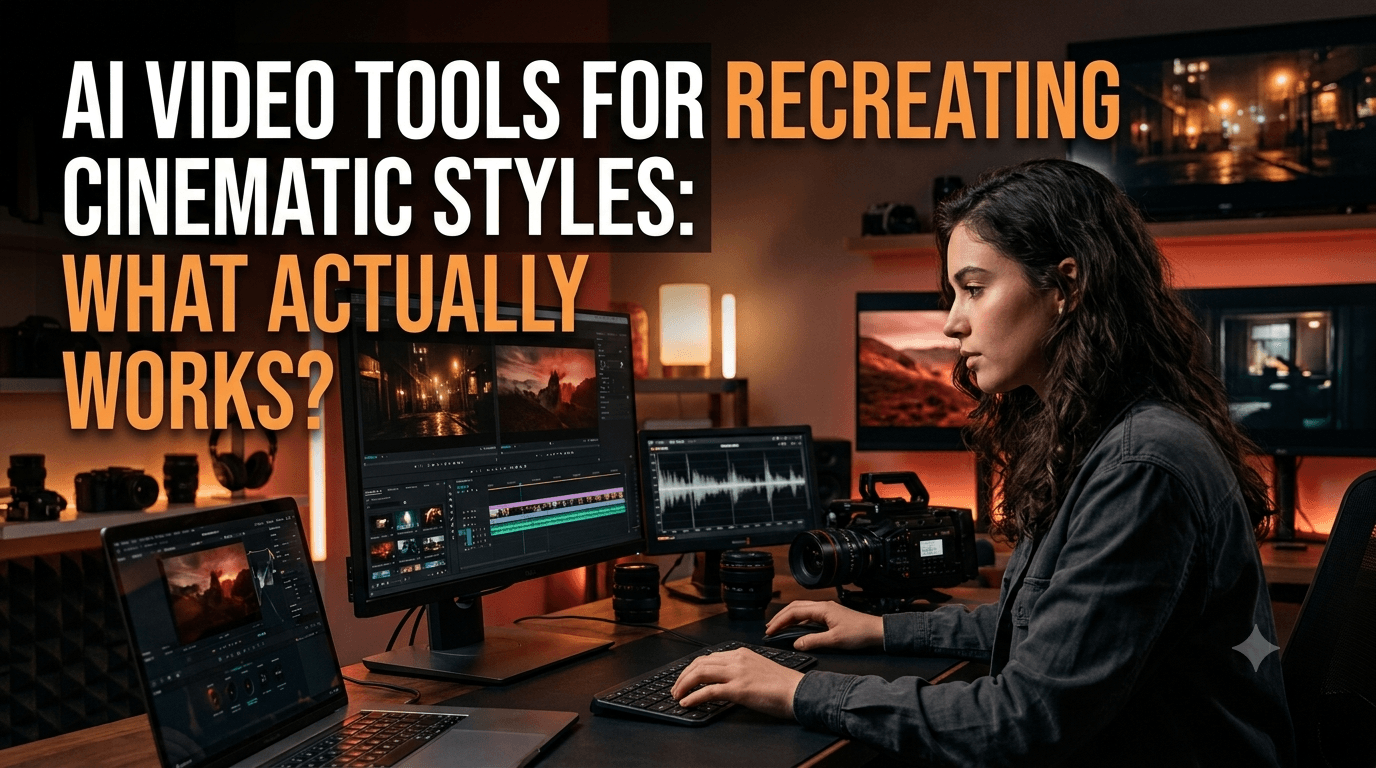
Recreating a cinematic look with AI is less about finding a magic prompt and more about understanding what makes a scene feel intentional.
A film can have dramatic lighting and slow camera movement but still feel flat if the composition, environment, character direction, and pacing do not work together. AI tools are becoming more useful when filmmakers treat them as part of a visual development process rather than simply as clip generators.
For creators experimenting with short films, commercials, music videos, or branded storytelling, the goal is to find tools that offer useful creative control without making the workflow unnecessarily complicated.
6 Tools for Building a More Cinematic Look
Each platform below approaches visual creation differently. Some are better for developing complete projects, while others are more useful for generating scenes, exploring references, or adding unusual visual treatments.
1. Invideo agent
Invideo agent is designed for creators who want to develop a video project through a connected workflow rather than jumping between separate tools for every production task.
A filmmaker can begin with a script, concept, reference material, existing footage, or other project assets and build from those inputs. The platform provides access to 200+ AI models, giving creators different options as they move through the creative process.
With invideo agent two, project context can carry across the workflow. Details such as characters, lighting choices, visual references, and creative decisions can remain connected as the project develops. Creators can also set up specialist agents for roles including director, cinematographer, scriptwriter, or storyboard artist. AI motion control can also help guide character movement and translate specific motion into scenes while maintaining the intended creative direction.
For cinematic projects, this can be useful when the objective is to develop a consistent visual direction across multiple scenes instead of generating unrelated clips.
Pricing: Invideo offers Plus at $17/month, Max at $85/month, and Generative at $170/month.
2. Vidu
Vidu provides a straightforward way to experiment with AI-generated video using text prompts and visual references.
It can be useful for creating establishing shots, atmospheric sequences, character moments, and other short scenes where movement is important to the visual concept.
The platform can also be useful during early experimentation, allowing filmmakers to try different versions of a scene before settling on a final direction.
Pricing: Vidu offers Standard at $10/month, Premium at $35/month, and Ultimate at $99/month.
3. Hailuo AI
Hailuo AI is geared toward generating short AI video sequences and can be useful when creators want to explore different interpretations of a visual idea.
A filmmaker can use references and prompts to experiment with characters, environments, motion, and scene composition. This makes it suitable for testing concepts that may later become part of a larger production.
Its role can be especially useful during visual exploration, when the filmmaker is still deciding which treatment best fits the story.
Pricing: Hailuo AI offers Standard at $10.50/month, Master at $89/month, and Max at $216/month.
4. PixVerse
PixVerse is built around fast visual experimentation, making it useful for filmmakers who want to create individual moments without building an entire production around one generation.
Creators can explore transitions, movement, transformations, environments, and stylised shots that can later be incorporated into a larger edit.
It can be particularly useful when a scene requires something visually unusual that would be difficult to capture with a conventional camera setup.
Pricing: PixVerse offers different plans with varying credits and generation limits.
5. Leonardo AI
Leonardo AI can be useful during the visual development stage, particularly when filmmakers need to establish characters, environments, props, or other references before moving into video production.
Creators can develop visual concepts and experiment with different aesthetics before using those references to guide later video generations.
This makes it useful for building a consistent visual foundation rather than relying entirely on text prompts to define the look of every scene.
Pricing: Leonardo AI offers Premium at $30/month and Ultimate at $60/month.
6. Luma
Luma can help creators turn visual concepts and references into moving sequences while experimenting with camera movement and scene composition.
For filmmakers, it can be useful when a static concept needs to be explored as a moving shot. Creators can test different approaches to motion and framing before deciding which version fits the sequence.
This makes Luma a practical option for developing individual cinematic moments that can later be combined during editing.
Pricing: Luma offers a Free plan, while the Luma Plus plan costs $69/month.
Break Down the Look You Want to Recreate
The first step is to stop thinking of cinematic style as one setting.
Instead, identify the individual elements that create the look.
Look at More Than Colour
Consider:
- Camera movement
- Framing
- Lens perspective
- Lighting direction
- Depth of field
- Production design
- Character styling
- Colour relationships
- Scene pacing
When these elements are defined separately, prompts and references become much more useful.
Use References Instead of Vague Descriptions
A phrase such as "make it cinematic" does not tell an AI system enough about what you actually want.
A strong reference can communicate several visual decisions at once.
Turn References Into Rules
Instead of copying a reference directly, identify its characteristics.
For example, you might want wide compositions, soft backlighting, muted colours, shallow depth of field, and slow camera movement.
These become a visual framework that can be applied across different scenes.
Make Camera Movement Part of the Story
Camera movement should have a reason.
A slow push-in can draw attention to a character. A tracking shot can follow an action. A static frame can create tension by forcing the audience to wait.
Match Movement to Emotion
Before generating a shot, decide what the audience should feel.
If the scene is calm, controlled movement may work better. If the story becomes chaotic, handheld or faster movement may reinforce that change.
The camera becomes part of the storytelling instead of simply making the footage look more dynamic.
Lighting Can Change the Entire Mood
Two identical scenes can feel completely different depending on how they are lit.
Soft lighting can make a scene feel natural or intimate. Strong contrast can create tension. Coloured practical lights can introduce a stylised atmosphere.
Keep the Lighting Logic Consistent
If multiple shots belong to the same scene, lighting should feel connected.
When AI-generated clips are created separately, check whether the light direction, intensity, and overall tone make sense when the shots are placed together.
Build the World Before Building Every Shot
A cinematic sequence is easier to maintain when the environment has already been defined.
Think about the location, architecture, textures, props, costumes, and background elements before generating the main scenes.
Create a Visual Bible
A simple reference document can include:
- Character appearance
- Location references
- Costume direction
- Important props
- Lighting approach
- Colour palette
- Camera style
This can become a useful source of consistency throughout production.
Generate Variations With a Purpose
AI makes it easy to create dozens of versions of the same shot.
More options are useful only when you know what you are comparing.
Change One Variable at a Time
Try keeping the composition fixed while changing the lighting.
Then keep the lighting fixed while testing camera movement.
This makes it easier to understand which change actually improves the scene.
The Final Edit Matters More Than One Great Shot
A cinematic project is not judged one frame at a time.
The relationship between shots determines how the audience experiences the story.
Think About Rhythm
A sequence of long shots can create a slow, reflective feeling. Faster cuts can create urgency.
Sound, music, transitions, and shot duration also influence the final result.
The edit is where individual AI generations start behaving like parts of the same film.
Final Thoughts
AI video tools can make cinematic experimentation much more accessible, but no single platform automatically creates a finished cinematic style.
Invideo agent can support a broader workflow with 200+ AI models, project context, specialist agents, scripting, scene development, and editing. Vidu, Hailuo AI, PixVerse, and Luma can be used for different types of scene generation, while Leonardo AI can help establish visual references before production.
The most reliable approach is to define the visual language first, use references to guide the work, generate shots with a clear purpose, and rely on editing to turn those individual pieces into a coherent cinematic experience.
Etiquetas relacionadas
AI ToolsDestaca tu herramienta de IA en artículos como este
Llega a usuarios que descubren activamente herramientas de IA en PoweredbyAI y consigue backlinks SEO que mejoran tu visibilidad en Google.
Con la confianza de 25,000+ herramientas de IA y startups en crecimiento
Destaca tu herramienta de IA en blogs y artículos de alto tráfico
Aparece en PoweredByAI y llega a usuarios que buscan activamente herramientas como la tuya. Consigue backlinks SEO potentes que te ayuden a posicionarte en Google y atraer tráfico orgánico constante.
Artículos de blog patrocinados con alcance dirigido
Artículos invitados con backlinks do-follow
Colocaciones de enlaces contextuales para potenciar el SEO
Con la confianza de 25,000+ herramientas de IA y startups en crecimiento
Enjoyed this? Talk AI tools with other founders and builders.
Join our Slack communityBlogs recientes


Enviar tu herramienta


PoweredByAI.app es un directorio de herramientas de IA que ayuda a personas, empresas y creadores a descubrir las mejores herramientas de IA para escritura, programación, diseño, productividad y más.
© 2026 , Producto de011BQ. Todos los derechos reservados.