🚀 Zaprep: Deine Socials auf Steroiden. Kostenlos starten — automatisiere 1.000 DMs/Monat und verwandle Engagement in Leads. mit 1.000 automatisierten DMs/Monat.

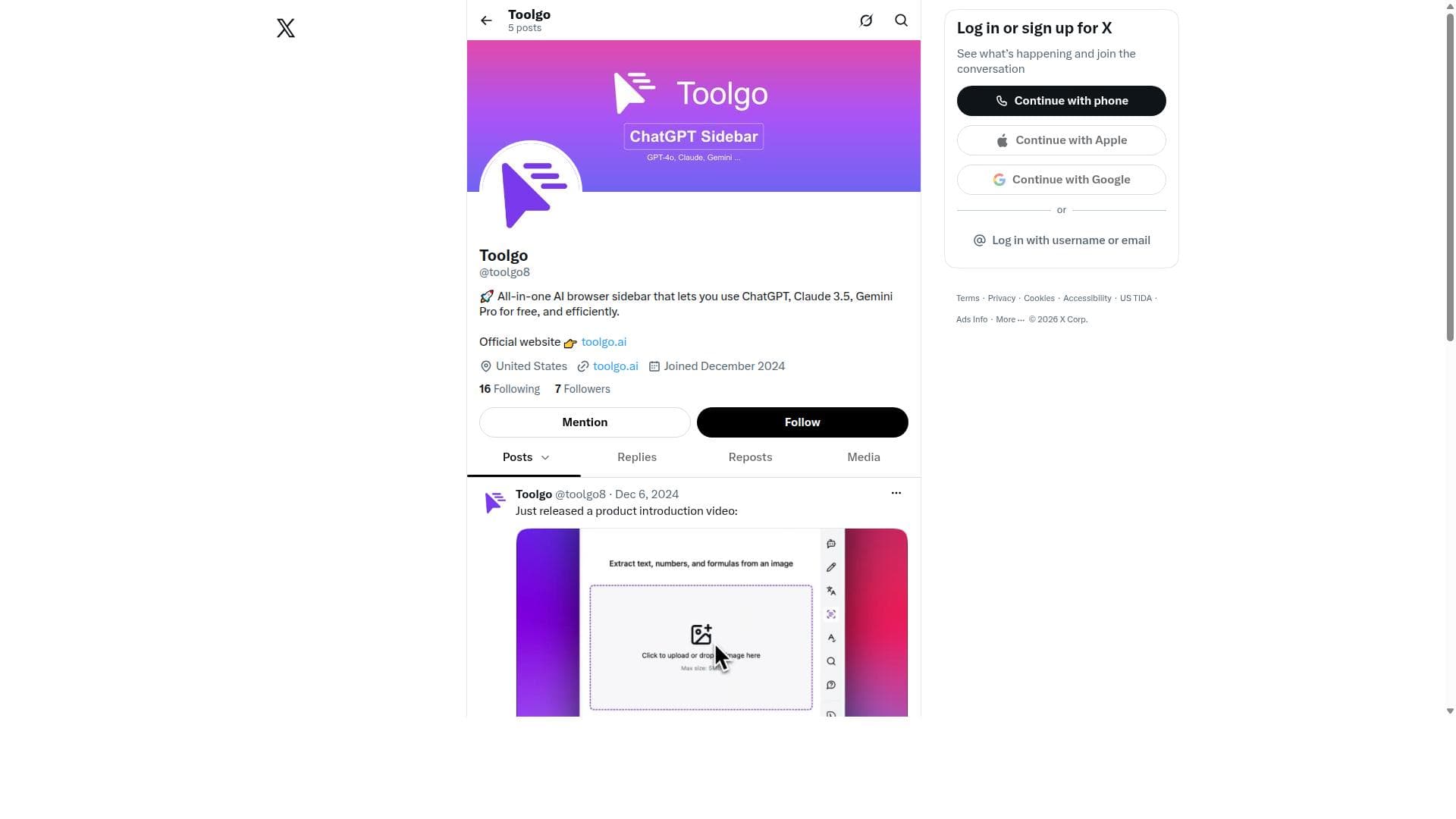


Toolgo is a free, all-in-one AI browser sidebar that integrates multiple leading AI models like ChatGPT, Claude 3.5, and Gemini Pro directly into your browser for seamless, efficient AI interactions. Ideal for students, professionals, and creatives, it consolidates powerful AI tools in one place to boost productivity without the hassle of switching platforms or paying multiple fees.

Beschreibung
A free all-in-one AI toolbox offering the latest and most popular AI tools.
Ausführliche Beschreibung
Toolgo is an innovative all-in-one AI browser sidebar designed to streamline and enhance the way users interact with multiple AI language models directly within their web browser. Its core purpose is to provide seamless, efficient access to powerful AI assistants such as ChatGPT, Claude 3.5, and Gemini Pro without the need to switch between different platforms or pay for multiple subscriptions. By integrating these AI models into a single sidebar, Toolgo empowers users to leverage the strengths of various AI technologies in one convenient location, boosting productivity and simplifying workflows. One of the standout features of Toolgo is its unified AI browser sidebar interface. This sidebar acts as a centralized hub where users can quickly toggle between different AI models, each offering unique capabilities and conversational styles. The inclusion of ChatGPT, Claude 3.5, and Gemini Pro means users have access to some of the most advanced and diverse AI assistants available today. Toolgo offers free usage of these models, making it an accessible option for individuals and professionals who want to experiment or rely on AI assistance without incurring extra costs. The sidebar is designed for efficiency, allowing users to interact with AI assistants while browsing the web, researching, or working on projects, thus eliminating the need to open separate tabs or applications. Toolgo is particularly well-suited for a broad audience, including students, researchers, writers, developers, and business professionals. For students and researchers, it offers a quick way to generate ideas, summarize content, or get explanations without interrupting their workflow. Writers can benefit from instant brainstorming, editing suggestions, or content generation. Developers and tech enthusiasts can use Toolgo to prototype AI-driven solutions or get coding help. Business users can leverage it for drafting emails, creating reports, or conducting market research. The tool’s ability to provide multiple AI perspectives in one place enhances decision-making and creativity. Regarding pricing, Toolgo stands out by offering free access to multiple premium AI models, which is a significant advantage compared to many competitors that require paid subscriptions for each AI service. While the current offering is free, users should check for any updates on pricing or premium plans that might introduce additional features or higher usage limits. This free model lowers the barrier to entry and encourages widespread adoption. When compared to alternatives, Toolgo’s primary differentiator is its all-in-one sidebar integration within the browser. Unlike standalone AI chat platforms or individual model apps, Toolgo consolidates multiple AI assistants in a single, easy-to-access interface, enhancing convenience and workflow continuity. Other tools may offer access to one AI model or require switching between apps, but Toolgo’s approach reduces friction and maximizes productivity. However, some alternatives might provide deeper customization or specialized features for individual AI models, which Toolgo currently balances with its multi-model approach. Notable limitations include the reliance on internet connectivity and browser compatibility, as Toolgo functions as a browser sidebar extension. Users must ensure their browser supports the sidebar and that they have stable internet access for uninterrupted AI interactions. Additionally, while Toolgo offers free access to multiple AI models, usage limits or throttling could apply depending on demand or future policy changes. Users should also consider privacy and data security aspects when interacting with AI models through a third-party sidebar. Lastly, as a relatively new tool, it may have fewer integrations or advanced features compared to more mature AI platforms. In summary, Toolgo is a powerful, user-friendly AI browser sidebar that democratizes access to top-tier AI assistants by consolidating ChatGPT, Claude 3.5, and Gemini Pro into a single free platform. It is ideal for anyone looking to enhance their productivity and creativity with AI without juggling multiple apps or subscriptions. While it offers exceptional convenience and cost-effectiveness, users should be mindful of browser requirements and evolving usage policies.
Tool-Funktionen
- All-in-one AI browser sidebar
- Access to ChatGPT, Claude 3.5, Gemini Pro
- Free usage of multiple AI models
- Efficient AI interactions within the browser
Beschreibung
Toolgo is a free, all-in-one AI browser sidebar that integrates multiple leading AI models like ChatGPT, Claude 3.5, and Gemini Pro directly into your browser for seamless, efficient AI interactions. Ideal for students, professionals, and creatives, it consolidates powerful AI tools in one place to boost productivity without the hassle of switching platforms or paying multiple fees.
A free all-in-one AI toolbox offering the latest and most popular AI tools.
Ausführliche Beschreibung
Toolgo is an innovative all-in-one AI browser sidebar designed to streamline and enhance the way users interact with multiple AI language models directly within their web browser. Its core purpose is to provide seamless, efficient access to powerful AI assistants such as ChatGPT, Claude 3.5, and Gemini Pro without the need to switch between different platforms or pay for multiple subscriptions. By integrating these AI models into a single sidebar, Toolgo empowers users to leverage the strengths of various AI technologies in one convenient location, boosting productivity and simplifying workflows. One of the standout features of Toolgo is its unified AI browser sidebar interface. This sidebar acts as a centralized hub where users can quickly toggle between different AI models, each offering unique capabilities and conversational styles. The inclusion of ChatGPT, Claude 3.5, and Gemini Pro means users have access to some of the most advanced and diverse AI assistants available today. Toolgo offers free usage of these models, making it an accessible option for individuals and professionals who want to experiment or rely on AI assistance without incurring extra costs. The sidebar is designed for efficiency, allowing users to interact with AI assistants while browsing the web, researching, or working on projects, thus eliminating the need to open separate tabs or applications. Toolgo is particularly well-suited for a broad audience, including students, researchers, writers, developers, and business professionals. For students and researchers, it offers a quick way to generate ideas, summarize content, or get explanations without interrupting their workflow. Writers can benefit from instant brainstorming, editing suggestions, or content generation. Developers and tech enthusiasts can use Toolgo to prototype AI-driven solutions or get coding help. Business users can leverage it for drafting emails, creating reports, or conducting market research. The tool’s ability to provide multiple AI perspectives in one place enhances decision-making and creativity. Regarding pricing, Toolgo stands out by offering free access to multiple premium AI models, which is a significant advantage compared to many competitors that require paid subscriptions for each AI service. While the current offering is free, users should check for any updates on pricing or premium plans that might introduce additional features or higher usage limits. This free model lowers the barrier to entry and encourages widespread adoption. When compared to alternatives, Toolgo’s primary differentiator is its all-in-one sidebar integration within the browser. Unlike standalone AI chat platforms or individual model apps, Toolgo consolidates multiple AI assistants in a single, easy-to-access interface, enhancing convenience and workflow continuity. Other tools may offer access to one AI model or require switching between apps, but Toolgo’s approach reduces friction and maximizes productivity. However, some alternatives might provide deeper customization or specialized features for individual AI models, which Toolgo currently balances with its multi-model approach. Notable limitations include the reliance on internet connectivity and browser compatibility, as Toolgo functions as a browser sidebar extension. Users must ensure their browser supports the sidebar and that they have stable internet access for uninterrupted AI interactions. Additionally, while Toolgo offers free access to multiple AI models, usage limits or throttling could apply depending on demand or future policy changes. Users should also consider privacy and data security aspects when interacting with AI models through a third-party sidebar. Lastly, as a relatively new tool, it may have fewer integrations or advanced features compared to more mature AI platforms. In summary, Toolgo is a powerful, user-friendly AI browser sidebar that democratizes access to top-tier AI assistants by consolidating ChatGPT, Claude 3.5, and Gemini Pro into a single free platform. It is ideal for anyone looking to enhance their productivity and creativity with AI without juggling multiple apps or subscriptions. While it offers exceptional convenience and cost-effectiveness, users should be mindful of browser requirements and evolving usage policies.
Häufig gestellte Fragen
What is Toolgo?
Toolgo is an all-in-one AI browser sidebar that allows users to access and use multiple AI models such as ChatGPT, Claude 3.5, and Gemini Pro directly within their web browser for free, enabling efficient and seamless AI interactions.
How much does Toolgo cost?
Toolgo currently offers free access to multiple AI models through its browser sidebar, making it a cost-effective solution for users seeking AI assistance without subscription fees.
Who is Toolgo best for?
Toolgo is ideal for students, researchers, writers, developers, and business professionals who want quick, integrated access to multiple AI assistants to enhance productivity, creativity, and decision-making.
What are the main features of Toolgo?
Key features include an all-in-one AI browser sidebar, free access to ChatGPT, Claude 3.5, and Gemini Pro, seamless switching between AI models, and efficient AI interactions without leaving the browser.
Does Toolgo offer a free trial?
Toolgo provides free usage of its integrated AI models without the need for a trial, allowing users to access multiple AI assistants at no cost.
What integrations does Toolgo support?
Toolgo integrates multiple AI models—ChatGPT, Claude 3.5, and Gemini Pro—directly into the browser sidebar, but it does not currently list additional third-party integrations beyond these AI services.
How does Toolgo work?
Toolgo works by embedding a sidebar within the user's web browser that hosts multiple AI models, enabling users to interact with ChatGPT, Claude 3.5, and Gemini Pro instantly while browsing, without switching tabs or apps.
Social Media
Tool nutzenBewertungen
Noch keine Bewertungen. Teile als Erste:r deine Erfahrung.
Gesponserte Tools













































Empfohlene Tools
Bleib auf dem Laufenden zu den neuesten KI-Tools
Hol dir die neuesten Insights – abonniere unseren Newsletter
Gelesen und geschätzt von 50,000+ Leser:innen
Tritt der größten KI-Community bei
Unsere Community und unser Team sind für dich da!
Dein Feedback hilft Alice AI, in zukünftigen Versionen besser zu werden.








Tool einreichen


PoweredByAI.app ist ein KI-Tools-Verzeichnis, das Menschen, Unternehmen und Creators hilft, die besten KI-Tools für Schreiben, Programmieren, Design, Produktivität und mehr zu entdecken.
© 2026 , Ein Produkt von011BQ. Alle Rechte vorbehalten.