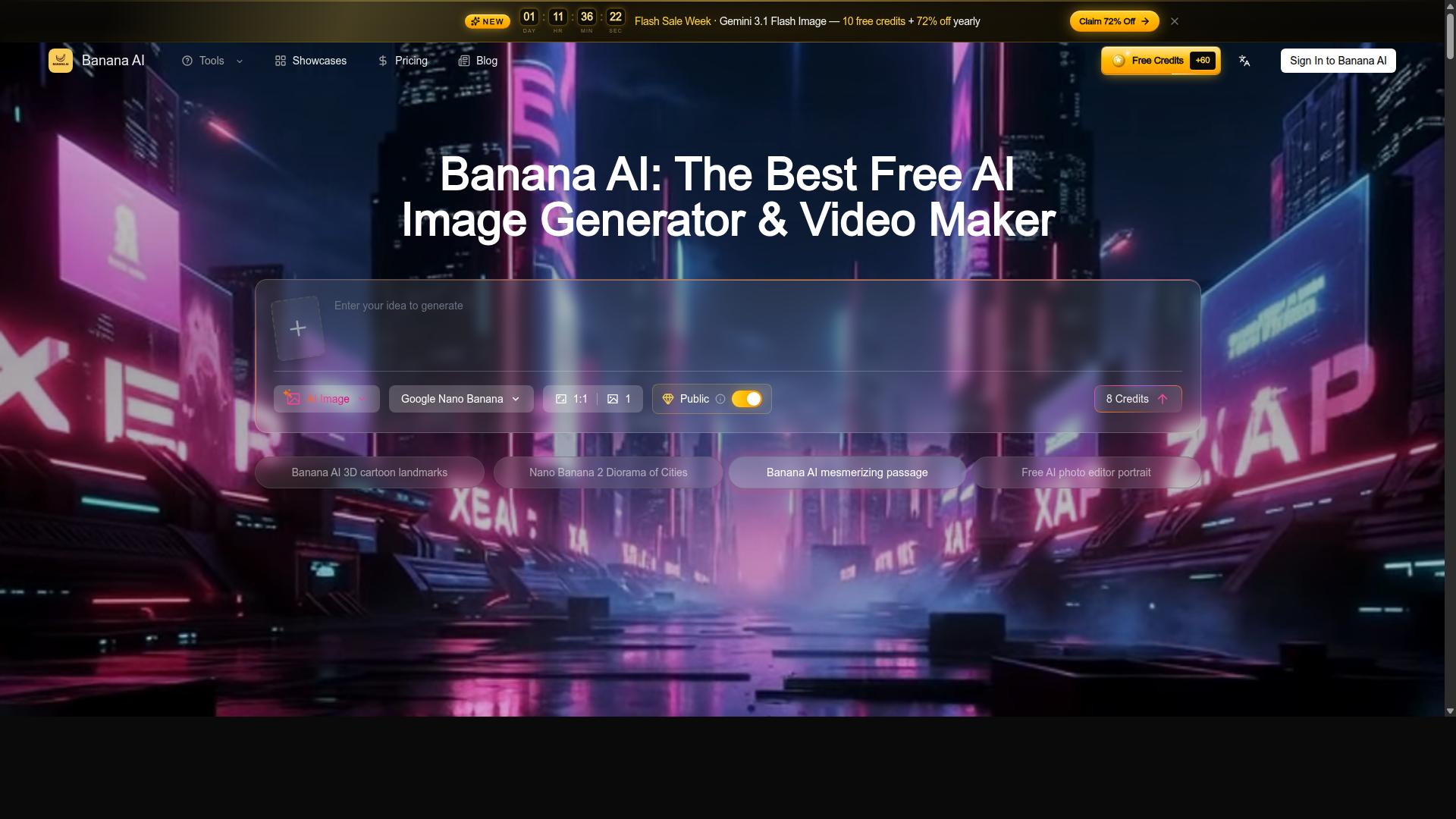




AI Image Editor revolutionizes photo editing by letting users transform and enhance images simply by describing changes in text. Ideal for e-commerce, social media creators, and photographers, it combines multi-image blending, sketch rendering, and AI-powered enhancements to deliver professional results in seconds without requiring technical skills.
Beschreibung
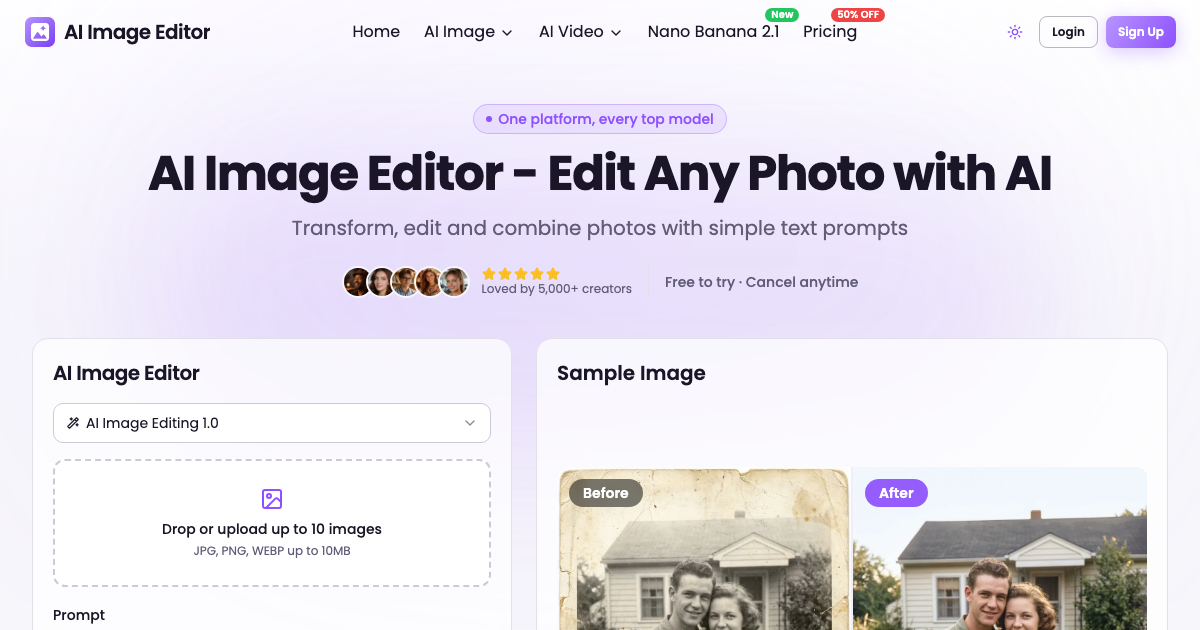
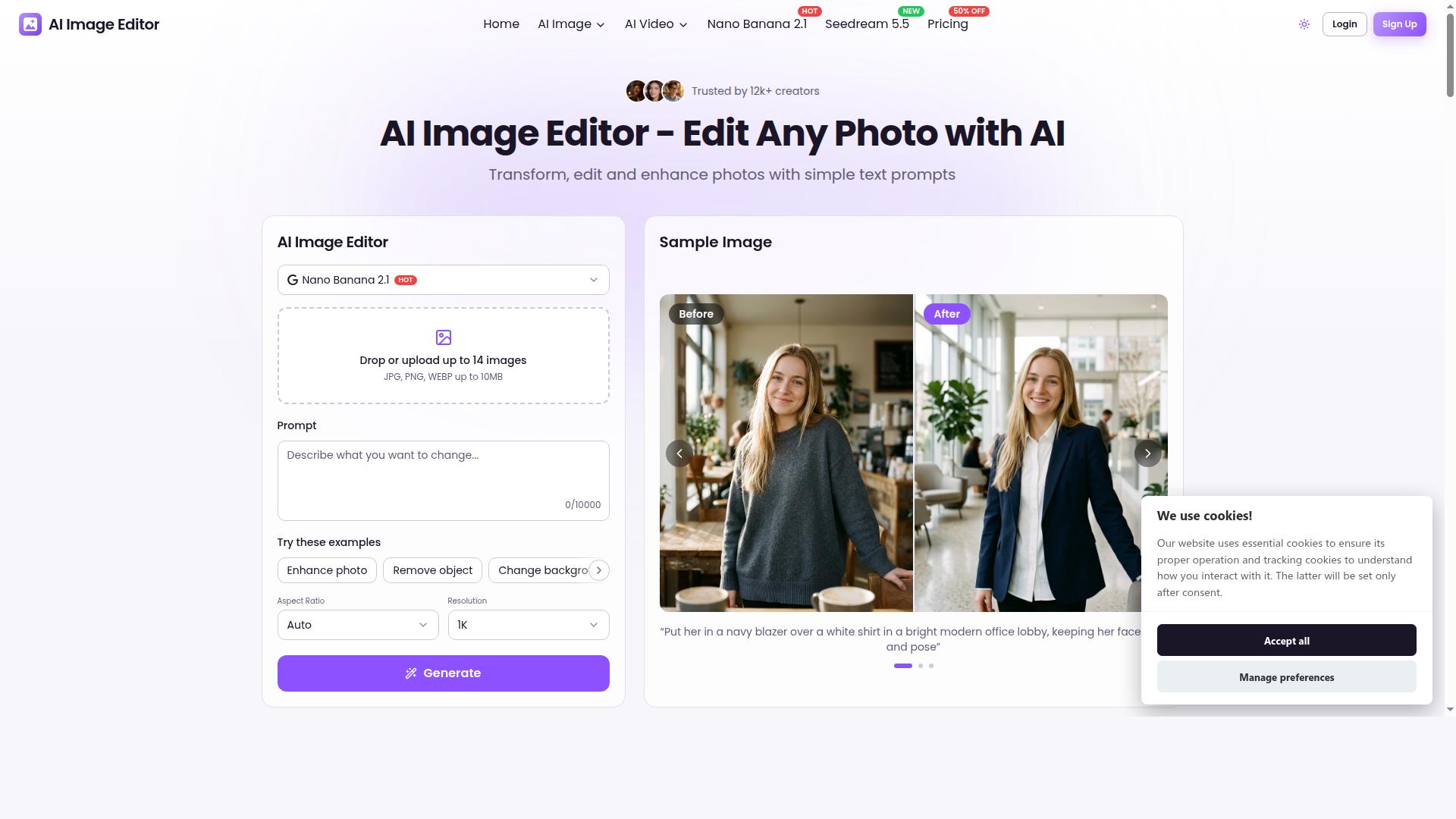
Transform, edit and enhance photos with simple text prompts. AI Image Editor lets anyone edit photos just by describing the change. Upload up to 10 JPG, PNG or WebP images (up to 10MB each), type a prompt such as “make it winter with falling snow” or “change the background to a beach”, and get professional results in seconds. It keeps characters consistent across scenes, blends multiple photos into one composition, turns sketches into renders, restyles photos (e.g. 3D cartoon), and enhances dark, dull or blurry shots with restored color and detail. It is used for e-commerce product photos, social media content, portraits and headshots, and old photo restoration. The platform also offers AI image and AI video generation with top models. Free to try, no sign-up required to start.
Ausführliche Beschreibung
AI Image Editor is a powerful and intuitive online platform designed to transform, edit, and enhance photos using simple text prompts. Its core purpose is to democratize photo editing by allowing users to make complex image modifications just by describing the desired changes in natural language. This eliminates the need for advanced photo editing skills or software expertise, enabling anyone to achieve professional-quality results quickly and easily. Users can upload up to 10 images in JPG, PNG, or WebP formats, each up to 10MB, and request edits such as changing seasons, swapping backgrounds, or adding visual effects. The tool processes these prompts and delivers enhanced images within seconds, making it ideal for fast-paced creative workflows. Key features of AI Image Editor include versatile text-prompt editing capabilities that allow users to remove unwanted objects, change backgrounds, restyle photos into different artistic forms like 3D cartoons, and enhance image quality by restoring color and detail to dark, dull, or blurry shots. It supports blending multiple uploaded images into a single cohesive composition, maintaining character consistency across scenes to ensure visual harmony. The platform also excels at turning sketches into fully rendered images, making it valuable for artists and designers. Additionally, users can control the aspect ratio and resolution of their outputs, tailoring images for specific platforms or print needs. Beyond photo editing, AI Image Editor offers AI-driven image and video generation using top models, expanding creative possibilities. This tool is particularly well-suited for e-commerce businesses needing polished product photos, social media content creators aiming for eye-catching visuals, photographers working with portraits and headshots, and individuals or professionals restoring old or damaged photographs. Its ease of use and speed make it accessible to hobbyists and professionals alike. Because it requires no sign-up to start and offers a free trial, users can experiment with its features risk-free before committing to a plan. Regarding pricing, AI Image Editor provides a free-to-try model with no initial registration required, allowing users to explore its capabilities without barriers. Detailed pricing plans are available on the website, typically offering tiered subscriptions based on usage volume and access to advanced features such as higher resolution outputs and AI video generation. This flexible pricing approach accommodates casual users as well as businesses with more demanding editing needs. Compared to alternative photo editing platforms, AI Image Editor stands out due to its natural language interface, enabling edits through simple text prompts rather than complex manual adjustments. Its ability to maintain character consistency across multiple images and blend photos seamlessly into new compositions is a unique advantage. While many traditional editors require significant skill and time investment, AI Image Editor streamlines the process with AI-powered automation. However, users should consider that the quality of results depends on the clarity and specificity of prompts, and extremely complex edits may require iterative refinement. Additionally, file size limits and image format restrictions may impact some workflows. In summary, AI Image Editor offers a comprehensive, user-friendly solution for anyone looking to enhance and creatively modify images using AI. Its combination of text-based editing, multi-image blending, restoration capabilities, and AI generation tools makes it a versatile choice for diverse creative and professional applications. With no sign-up needed to start and a free trial available, it invites users to experience advanced photo editing with unprecedented ease and speed.
Tool-Funktionen
- Text-prompt editing: remove objects, change backgrounds, restyle, and enhance
- Upload up to 10 images and blend them into one composition
- Maintain character consistency and turn sketches into renders
- Enhance dark, dull, or blurry photos and restore old photos
- Control aspect ratio and resolution; also generate AI images and video
Beschreibung
AI Image Editor revolutionizes photo editing by letting users transform and enhance images simply by describing changes in text. Ideal for e-commerce, social media creators, and photographers, it combines multi-image blending, sketch rendering, and AI-powered enhancements to deliver professional results in seconds without requiring technical skills.
Transform, edit and enhance photos with simple text prompts. AI Image Editor lets anyone edit photos just by describing the change. Upload up to 10 JPG, PNG or WebP images (up to 10MB each), type a prompt such as “make it winter with falling snow” or “change the background to a beach”, and get professional results in seconds. It keeps characters consistent across scenes, blends multiple photos into one composition, turns sketches into renders, restyles photos (e.g. 3D cartoon), and enhances dark, dull or blurry shots with restored color and detail. It is used for e-commerce product photos, social media content, portraits and headshots, and old photo restoration. The platform also offers AI image and AI video generation with top models. Free to try, no sign-up required to start.
Ausführliche Beschreibung
AI Image Editor is a powerful and intuitive online platform designed to transform, edit, and enhance photos using simple text prompts. Its core purpose is to democratize photo editing by allowing users to make complex image modifications just by describing the desired changes in natural language. This eliminates the need for advanced photo editing skills or software expertise, enabling anyone to achieve professional-quality results quickly and easily. Users can upload up to 10 images in JPG, PNG, or WebP formats, each up to 10MB, and request edits such as changing seasons, swapping backgrounds, or adding visual effects. The tool processes these prompts and delivers enhanced images within seconds, making it ideal for fast-paced creative workflows. Key features of AI Image Editor include versatile text-prompt editing capabilities that allow users to remove unwanted objects, change backgrounds, restyle photos into different artistic forms like 3D cartoons, and enhance image quality by restoring color and detail to dark, dull, or blurry shots. It supports blending multiple uploaded images into a single cohesive composition, maintaining character consistency across scenes to ensure visual harmony. The platform also excels at turning sketches into fully rendered images, making it valuable for artists and designers. Additionally, users can control the aspect ratio and resolution of their outputs, tailoring images for specific platforms or print needs. Beyond photo editing, AI Image Editor offers AI-driven image and video generation using top models, expanding creative possibilities. This tool is particularly well-suited for e-commerce businesses needing polished product photos, social media content creators aiming for eye-catching visuals, photographers working with portraits and headshots, and individuals or professionals restoring old or damaged photographs. Its ease of use and speed make it accessible to hobbyists and professionals alike. Because it requires no sign-up to start and offers a free trial, users can experiment with its features risk-free before committing to a plan. Regarding pricing, AI Image Editor provides a free-to-try model with no initial registration required, allowing users to explore its capabilities without barriers. Detailed pricing plans are available on the website, typically offering tiered subscriptions based on usage volume and access to advanced features such as higher resolution outputs and AI video generation. This flexible pricing approach accommodates casual users as well as businesses with more demanding editing needs. Compared to alternative photo editing platforms, AI Image Editor stands out due to its natural language interface, enabling edits through simple text prompts rather than complex manual adjustments. Its ability to maintain character consistency across multiple images and blend photos seamlessly into new compositions is a unique advantage. While many traditional editors require significant skill and time investment, AI Image Editor streamlines the process with AI-powered automation. However, users should consider that the quality of results depends on the clarity and specificity of prompts, and extremely complex edits may require iterative refinement. Additionally, file size limits and image format restrictions may impact some workflows. In summary, AI Image Editor offers a comprehensive, user-friendly solution for anyone looking to enhance and creatively modify images using AI. Its combination of text-based editing, multi-image blending, restoration capabilities, and AI generation tools makes it a versatile choice for diverse creative and professional applications. With no sign-up needed to start and a free trial available, it invites users to experience advanced photo editing with unprecedented ease and speed.
Häufig gestellte Fragen
What is AI Image Editor?
AI Image Editor is an online platform that allows users to transform, edit, and enhance photos using simple text prompts. It supports uploading multiple images and offers features like background changes, object removal, photo restyling, and image enhancement powered by AI.
How much does AI Image Editor cost?
AI Image Editor offers a free trial with no sign-up required to start. Pricing plans vary based on usage and access to advanced features, with tiered subscriptions available for higher resolution outputs and AI video generation. Detailed pricing information is available on their website.
Who is AI Image Editor best for?
It is best suited for e-commerce businesses needing professional product photos, social media content creators, photographers working with portraits and headshots, artists turning sketches into renders, and anyone looking to restore or enhance old or low-quality photos.
What are the main features of AI Image Editor?
Key features include text-prompt editing to remove objects, change backgrounds, restyle photos, and enhance images; uploading and blending up to 10 images into one composition; maintaining character consistency; turning sketches into renders; enhancing dark or blurry photos; controlling aspect ratio and resolution; and AI image and video generation.
Does AI Image Editor offer a free trial?
Yes, AI Image Editor offers a free trial with no sign-up required, allowing users to try out its features and capabilities before committing to a paid plan.
What integrations does AI Image Editor support?
AI Image Editor primarily functions as a standalone web-based platform. Specific third-party integrations are not detailed, but users can upload images directly and download edited results for use in other applications.
How does AI Image Editor work?
Users upload up to 10 images and enter text prompts describing the desired edits. The AI processes these instructions to remove objects, change backgrounds, restyle images, enhance photo quality, or blend multiple photos into one composition, delivering professional-quality results within seconds.
Bewertungen
Noch keine Bewertungen. Teile als Erste:r deine Erfahrung.